Debugging in Python
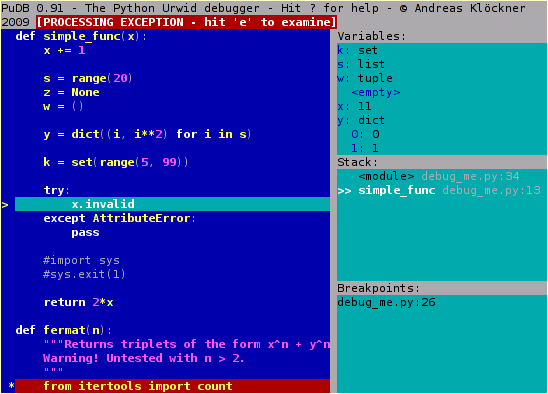
$ sudo easy_install
pudb
To start debugging,
simply insert into code
from pudb import
set_trace; set_trace()
OR A shorter
alternative to this is:
import pudb; pu.db
COMMANDS
Press "Enter"
to goto "Edit Preferences" pop-up window.
Press "Space"
to select the settingsPress "Esc" to close the pop-up
window
Press "Ctrl"
+ "x" to goto Command Line.
Press "Ctrl"
+ "x" to exit from Command Line.
Press "n"
to execute next line
Press "s"
to step into a method/function
Press "c"
to continue the execution
select the line
where you want to set the breakpoint and press "b", then
you can see a red mark in that line.
Then Press "c"
to continue the execution and stop at breakpoint
how are you bro this is good for me
ReplyDelete